Workflow
How to review text changes without losing context
Text comparison is easier when the diff mode matches the job. Compare Diff gives you line, word, and character review so you can inspect changes without losing the surrounding context.
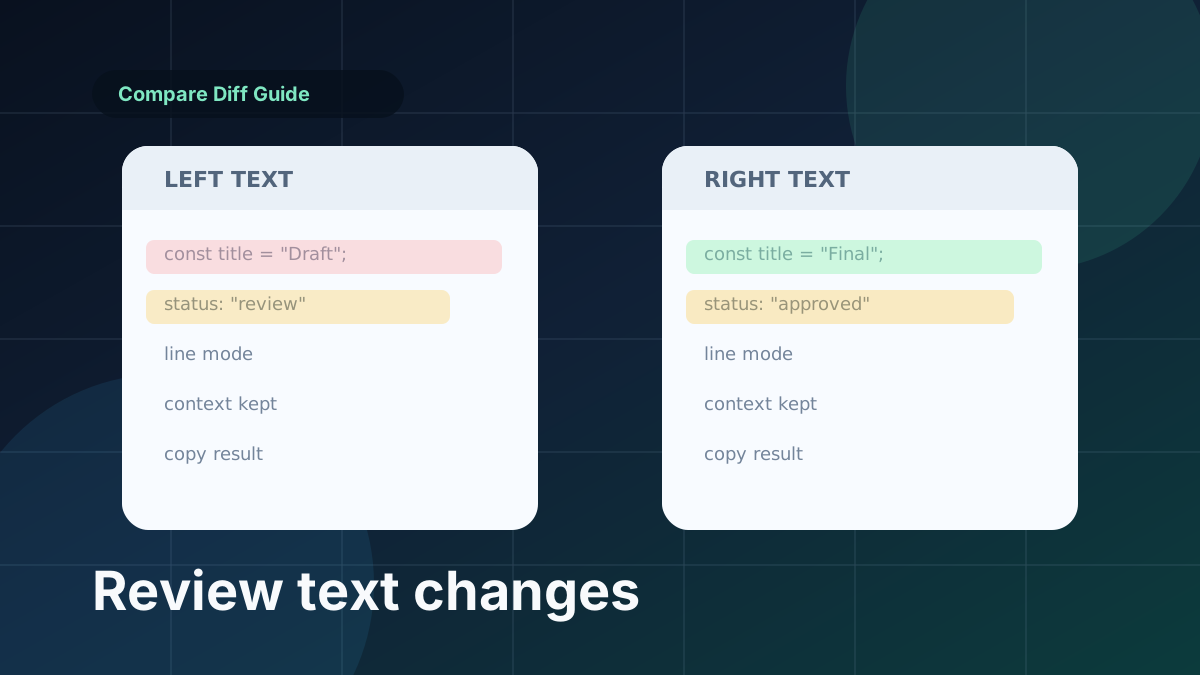
Use line diff for code and configuration
Line mode is the best default for source code, logs, environment files, markdown, YAML, and other structured text. It keeps each changed block readable and makes apply-left or apply-right decisions easier.
Use word diff for prose
Word mode works well for paragraphs, drafts, release notes, and documentation. It highlights changed wording without making every line look noisy.
Use character diff for short values
Character mode is useful for checksums, hashes, identifiers, version strings, and compact values where one missing character matters.