Formatting
Format JSON before you compare it
One-line JSON payloads can hide real changes. Formatting both sides before you compare them makes field changes, missing keys, and reordered blocks easier to review.
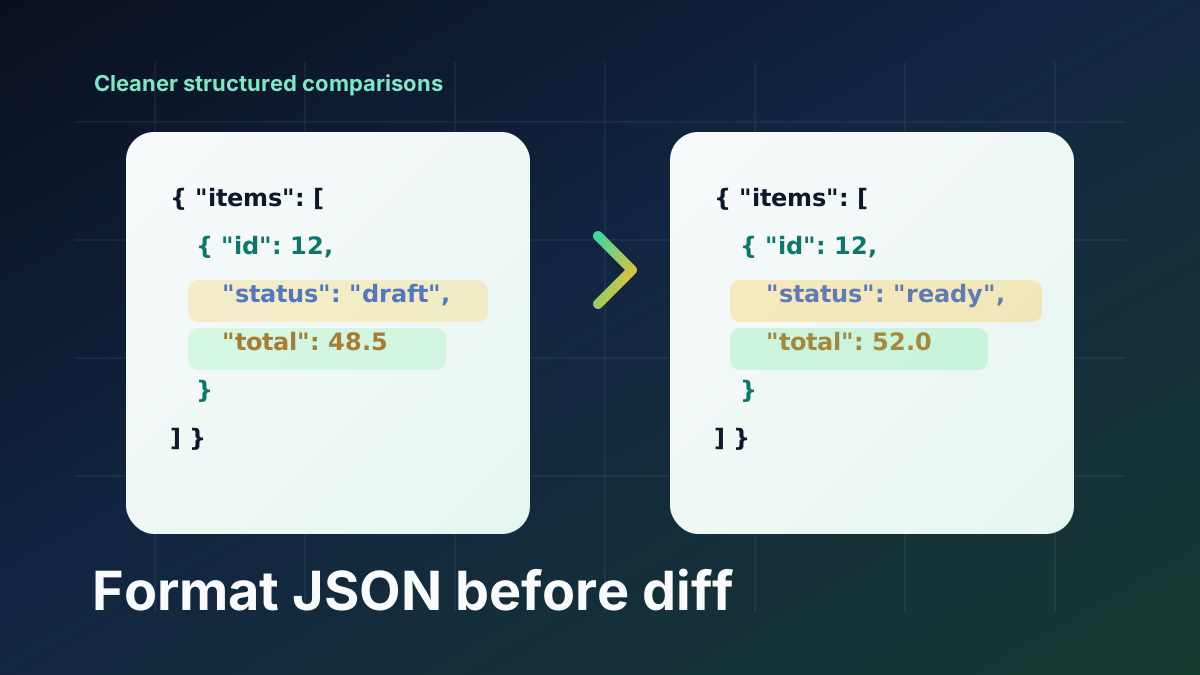
Pretty formatting reduces diff noise
A readable JSON layout gives each property its own line. That makes text diff output easier to scan and helps you avoid missing small but important edits.
Format one side or both sides
Compare Diff can format the left side, the right side, or both sides. Formatting failures do not overwrite your input, so invalid snippets stay available for fixing.
Use JSON diff with line or word mode
Line mode is usually best for formatted JSON. Word mode can help when a single line contains several related value changes.